Key Takeaway
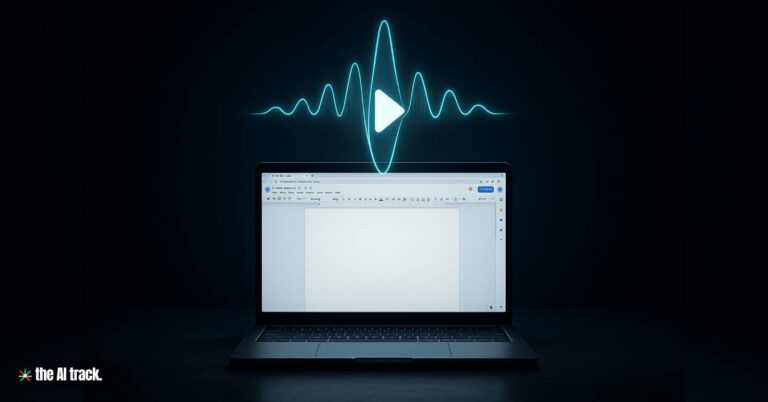
Google Docs now supports an advanced Audio feature powered by Gemini, enabling users to listen to documents in seven distinct voices with playback speed controls. This staged rollout across multiple Workspace plans began in mid-August 2025.
Google Docs Adds Audio Feature – Key Points
- Launch and Availability
- Google announced the Gemini-powered Audio feature in Google Docs, enabling written documents to be turned into spoken audio.
- Rollout schedule:
- Rapid Release domains: full rollout began August 18, 2025 (1–3 days for visibility).
- Scheduled Release domains: full rollout starting August 25, 2025 (1–3 days).
- The Audio feature was launched just before the Made by Google 2025 event.
- Functionality
- Provides natural, realistic voices, though not flawless—occasional robotic intonation still appears.
- Playback speed adjustable between 0.5x and 2x.
- Includes seven AI voice options, with Narrator as default (“smooth, medium pitch”). Alternatives include:
- Educator: Friendly, higher pitch
- Teacher: Clear, low pitch
- Persuader: Engaging, low pitch
- Explainer: Lively, low pitch
- Coach: Lively, higher pitch
- Motivator: Energetic, medium pitch
- Designed for multitasking, accessibility, comprehension, and proofreading.
- Access and Subscription
- Available only in English.
- Available on desktop only.
- Supported plans:
- Google AI Pro and Ultra subscribers
- Workspace Business Standard and Plus
- Enterprise Standard and Plus
- Gemini Education and Gemini Education Premium
- Gemini Business and Gemini Enterprise (note: as of Jan 15, 2025, these add-ons are no longer sold).
- User Options
- Readers: Can activate the Listen to this tab option under Tools > Audio menu, with a movable playback bar.
- Authors: Can insert custom Audio buttons via Insert > Audio buttons menu, adjusting label, color, and size. These embedded tools enhance accessibility for shared documents.
- Admin Requirements
- To activate the Audio feature, admins must enable smart features and personalization in the Workspace Admin console for users.
- Comparison with Other Products
- Google NotebookLM includes Audio Overviews, which transform text into dialogue-style podcasts, providing a more conversational listening experience compared to Docs’ direct narration.
Why This Matters
The Audio feature in Google Docs expands accessibility and productivity by giving users an alternative way to consume written material. Its seven customizable voices and playback controls provide flexibility for students, professionals, and enterprise teams. While the technology is still evolving, its integration across Workspace tiers demonstrates Google’s long-term strategy of embedding AI-powered audio experiences into productivity tools.
Uncover the transformative capabilities of text-to-speech apps enhanced by AI technology. The top apps that turn text into lifelike speech.
Eleven Music by ElevenLabs creates studio-quality tracks from text prompts in minutes. Discover its features, pricing, and why it’s perfect for beginners.
OpenAI launched new audio models, while rivals replicate features, signaling industry-wide race amid collapsing operational costs.
Discover Meta’s Audiobox, an innovative AI tool transforming voice and sound generation, creating realistic audio from text prompts
Read a comprehensive monthly roundup of the latest AI news!